Start with what
caught your eye.
Import a PNG or JPEG. Crop, adjust lighting and build a repeating tile with a detail-preserving cut.
 Forma TexturesTry it free ↗
YOUR EVERYDAY MATERIAL STUDIO
The wall you walked past. The stone you picked up.
Give real-world surfaces a second life in 3D.
Prepare your photos, create material maps, and see them come together. One focused app. Entirely on your computer.
Mac & Windows · No card required · $15 to keep creating
A LITTLE LESS FRICTION
Keep the creative decisions.
Let Forma handle the repetitive steps.
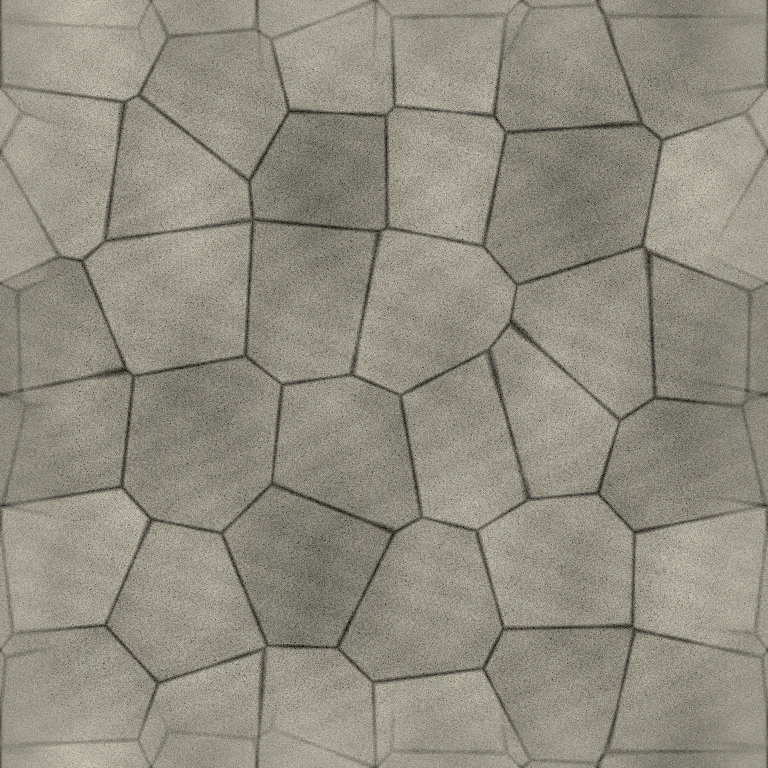
Import a PNG or JPEG. Crop, adjust lighting and build a repeating tile with a detail-preserving cut.
Shape estimated relief and roughness. Import your own maps and lock them while you refine the rest.
Orbit the 3D preview, check a repeated tile, and export individual maps or packed masks for your workflow.
THE PHOTO IS JUST THE START
Two real photographs. Two useful transformations.
Drag the dividers to see what changes.
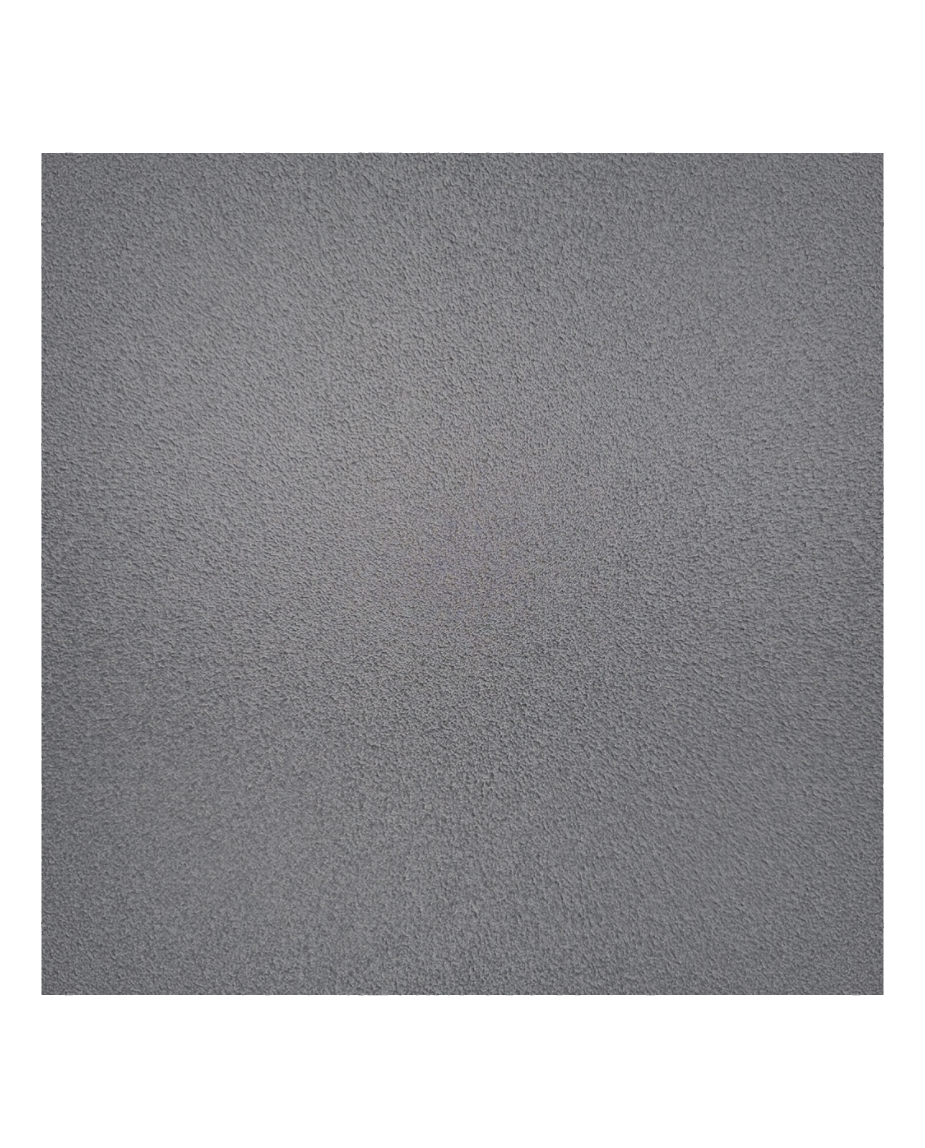
Balance a bright hotspot and dark edges, while keeping the surface’s fine detail.

De-lighting · Finished material render
Original photograph compared with the finished material render.
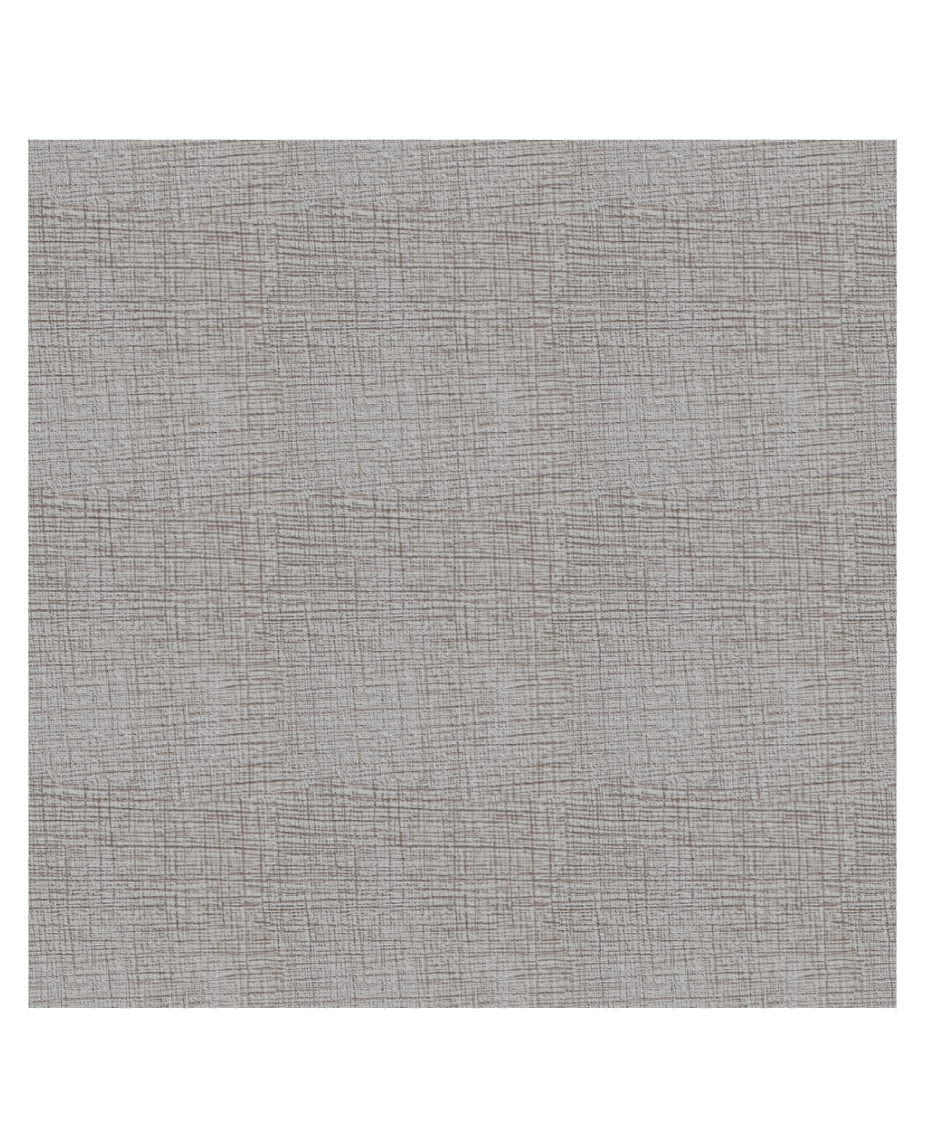
Join a photographed pattern into a repeating surface and inspect the finished material.

Joined tiling · Finished material render
Unjoined photo repeat compared with the finished tiled material render.
A REAL PHOTO. A REPRODUCIBLE RESULT.
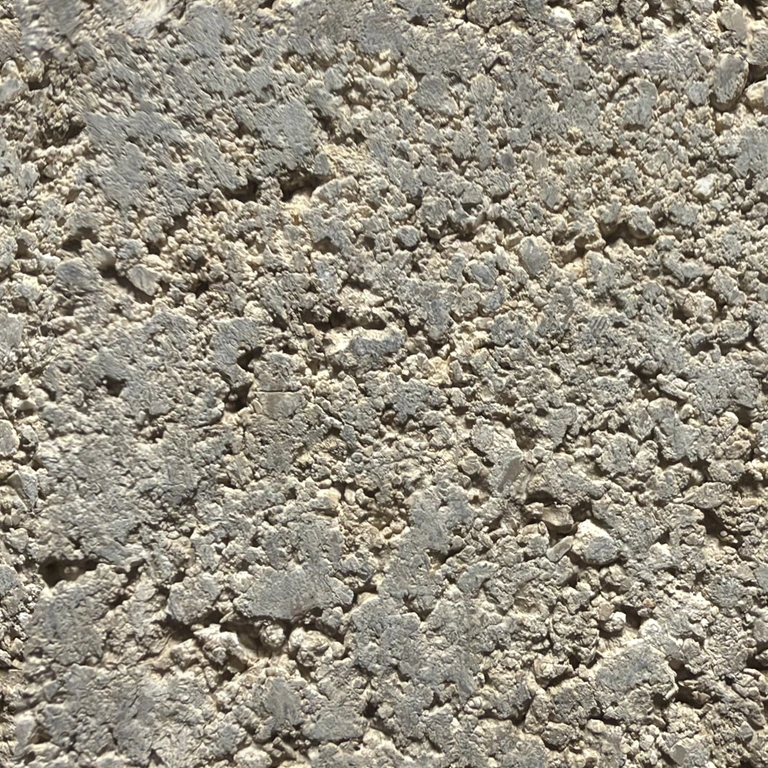
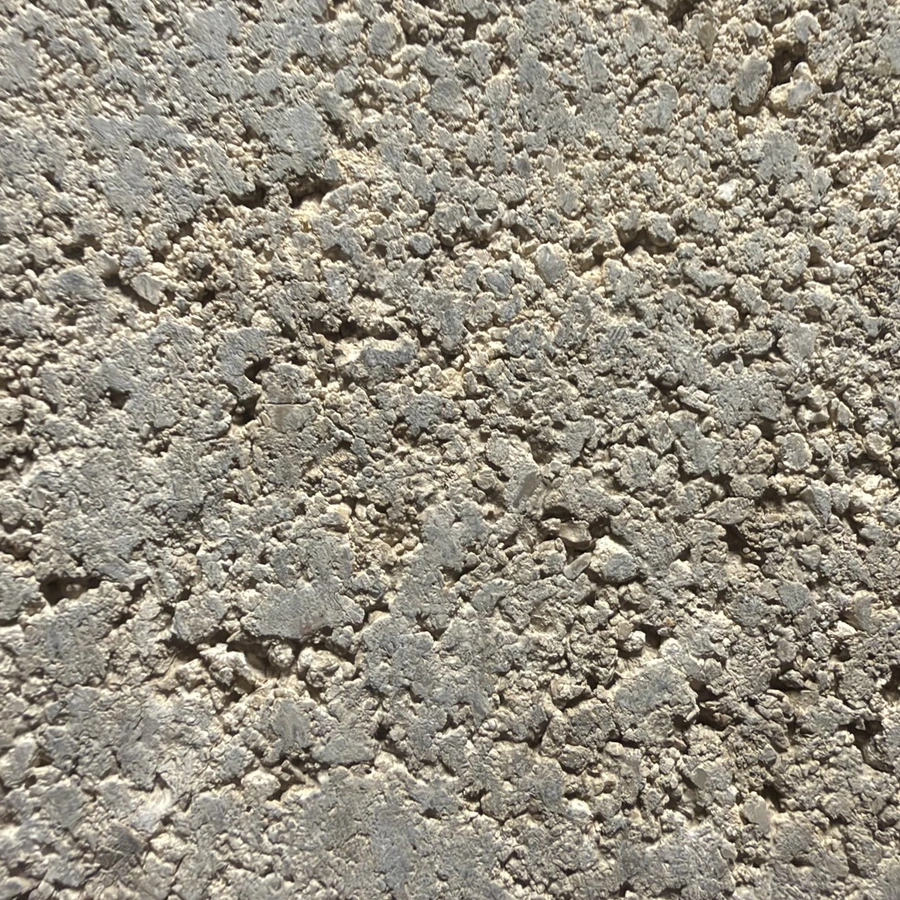
This weathered stone began as a photograph.
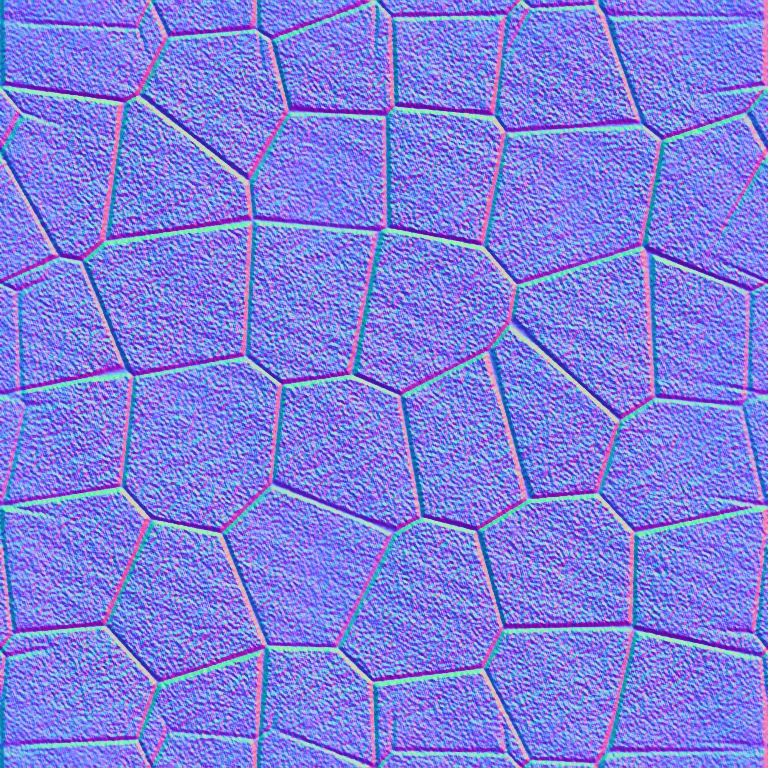
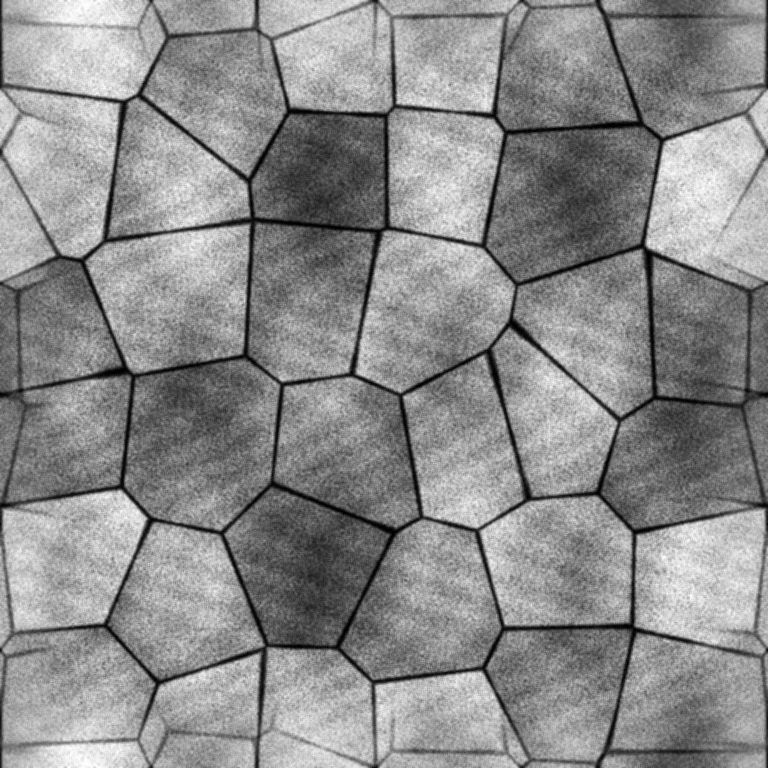
Every map below came from the app.
 RENDERED IN FORMA TEXTURES
Open the exact project: original photo, editable settings and a detail-preserving tile. The same demo is built into the app.
Get the demo project ↓BUILT FOR THE MOMENT YOU'RE MAKING
Studio, raking light and softbox presets.
Sharper maps. Relief you can read.

MORE THAN A FLAT IMAGE
Explore the sample’s channels.
Each map has a different job.
01 / 10WEATHERED STONE / PHOTO STUDYTHE VISIBLE SURFACE
Your source photograph, prepared for a material. Adjust color, reduce broad lighting variation and apply the same crop and tiling to every channel.
A photo is a starting point, not a measurement. Relief and roughness are estimates you can adjust. Import measured maps whenever you have them.
A TOOL YOU GET TO KEEP
No monthly plan. No credits to count.
Just a little studio, ready when you are.
Forma TexturesPERMANENT LICENSE$15 USD / one time
One payment. Every current tool.
Secure checkout by Stripe.
The trial never charges you automatically.
Processing and exporting require activation once the trial ends. You can still open and save your projects. A $15 one-time purchase gives you a permanent activation key. There is no automatic charge.
After Stripe confirms payment, your purchase page displays a signed Forma Textures key. Download it and keep a copy. In the app, choose Activate, paste the key and select Activate Forma Textures. Key verification works offline.
No. Texture processing runs locally on your computer. The website and Stripe handle your purchase; they do not receive the texture images you import into the desktop app.
Import PNG or JPEG images, up to 4,194,304 pixels and 4,096 pixels on either side. Export ten PNG channels, including 16-bit height, plus optional Unity or ORM packed masks. Save editable .formatex projects and reusable recipes.
No. Photo-derived relief and roughness are adjustable estimates. Strong reflections, clipped highlights and bent patterns can need manual work. You can import and lock existing maps for more control. Constant metallic, emission or opacity maps can be the correct result for a uniform material.
Apple silicon Macs with macOS 13 or later, and 64-bit Windows 10 version 1809 or later or Windows 11. Intel Macs are not supported. The current installers are unsigned; Windows runtime testing is still pending. See the download page for installation details.
Save the license file from your purchase page. You can reopen that page in the same browser while its purchase cookie remains. Automatic email delivery and account recovery are not configured; contact support with your Stripe receipt if you need purchase help.
7 days free. No card. All the tools.